RENDPROP

The branded link
Your card, your accent colour, your contact form. This is the one you text, post and print on the flyer. Every enquiry from it lands in your inbox in the app, with the date they asked for.
Inside the app
Prepare walkthrough tours, polished photos, reels and shareable listing links in Rendprop for iPhone. An optional paid AI Aerial opening starts from a reviewed original front exterior photo when allowance, capacity and processor permission permit.
Scroll tours
Your tour isn't a video people abandon after four seconds. It's a link they scrub with their thumb — forward, back, room by room — like scrolling a feed. That control is why they stay longer and remember the space.
The listing page
Your main photo welcomes visitors, with a walkthrough they can choose to explore or play. The page shows the details you typed into the app — price, beds, baths, and square feet for a home; hours, menu, capacity, membership, or the weekly special for a business — room chapters when added, your card, and a booking form. It builds itself from your listing: sections appear when you've filled them in and hide when you haven't. The live demo shows the layout fully dressed, with a story, gallery and features list.
Two links, every time
Publishing gives you both at once. You don't build the second one, and you can't forget it — it's made from the same tour.
Your card, your accent colour, your contact form. This is the one you text, post and print on the flyer. Every enquiry from it lands in your inbox in the app, with the date they asked for.
The same property, stripped: no name, no phone number, no contact form, no Rendprop branding, and no links off the page. Built for an MLS virtual-tour field, where branding can carry a fine.
Copy either link from the tour in the app. Your MLS decides what its own field allows, so check your rules before you post — the unbranded link is built to meet the strictest ones.
The drone-style render
This is the heart of the app. Your handheld walkthrough goes to Rendprop's cloud engine, which stabilises the motion, smooths the pacing, and re-renders every frame — so the finished tour glides like it was flown, not walked.
AI Photo Studio
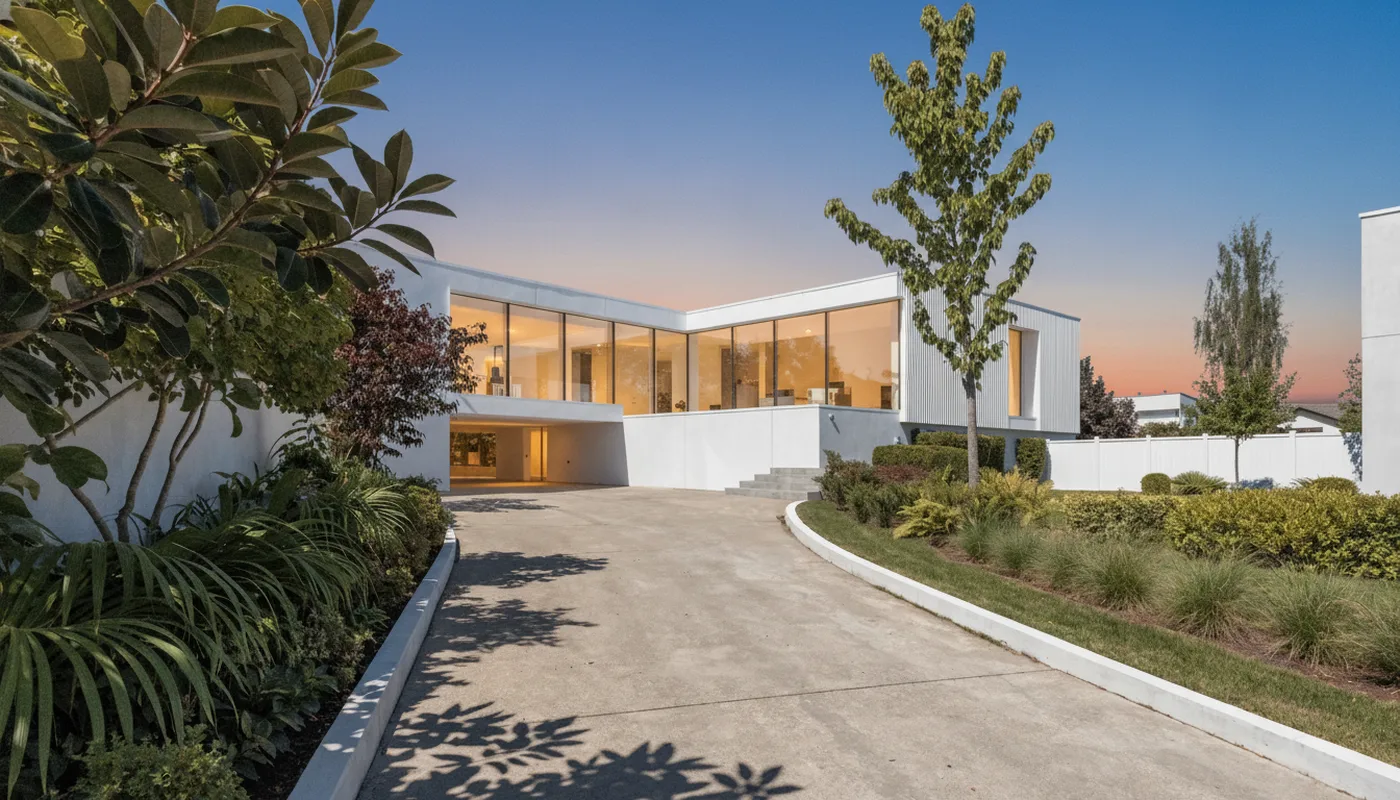
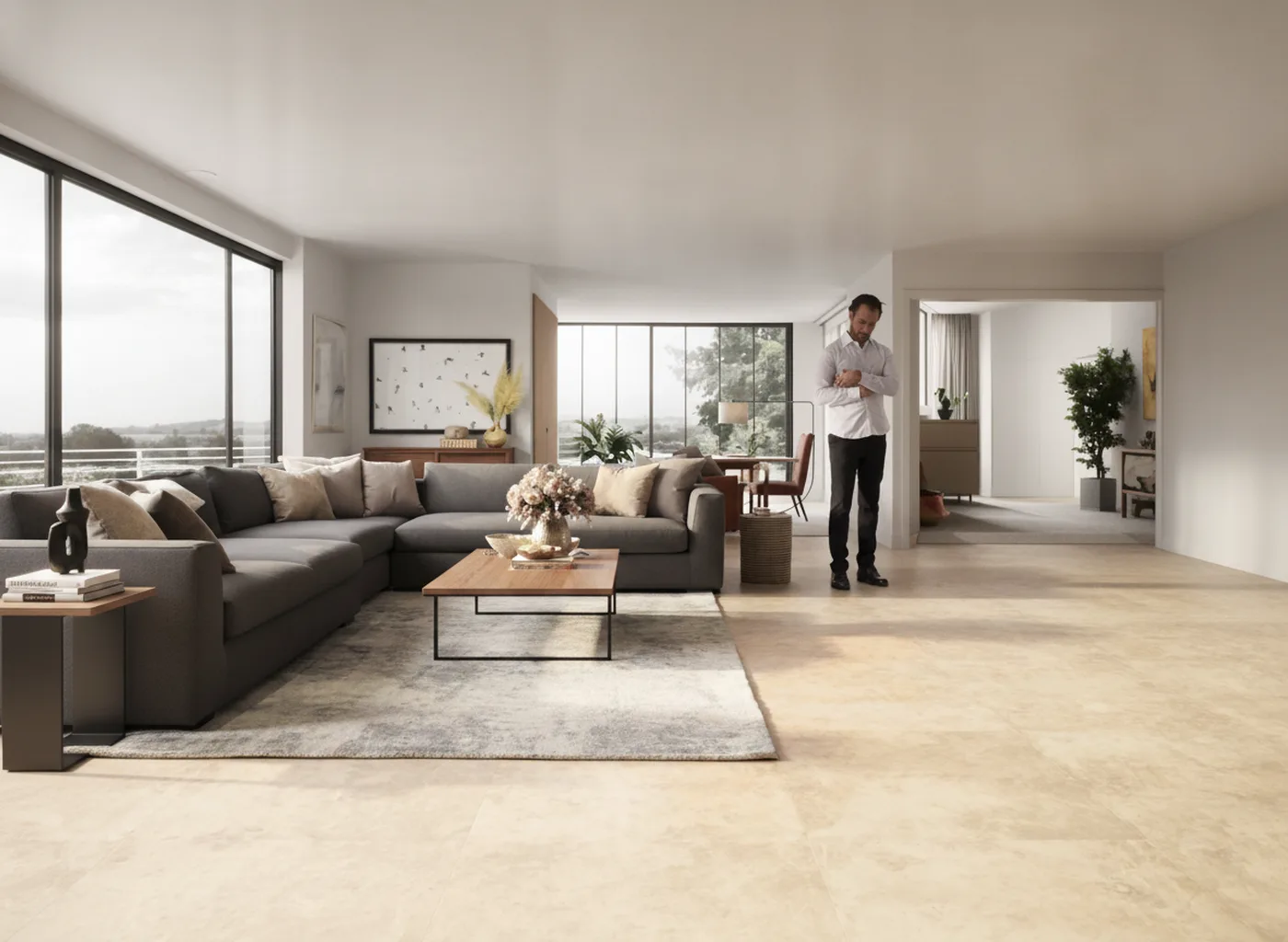
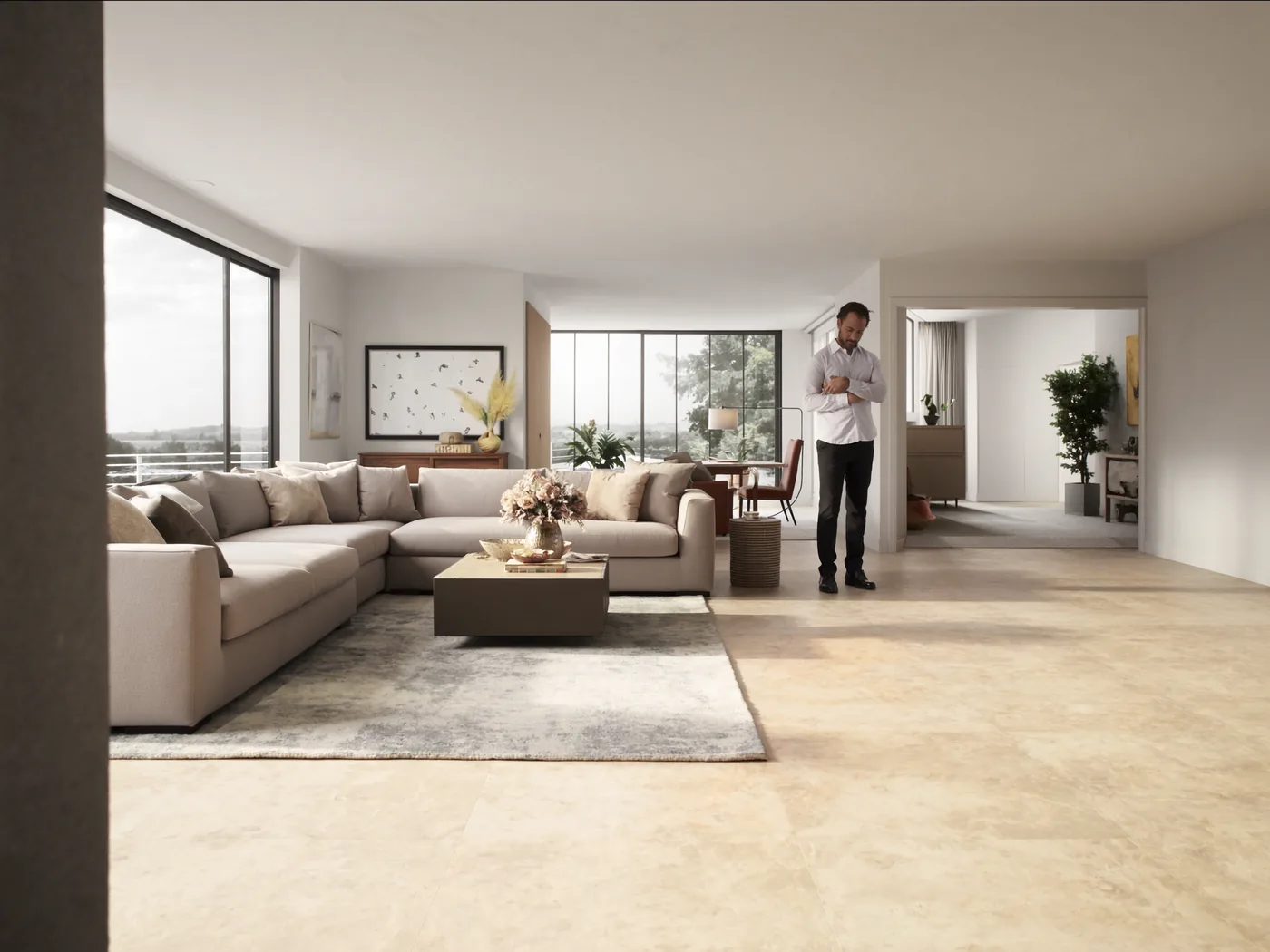
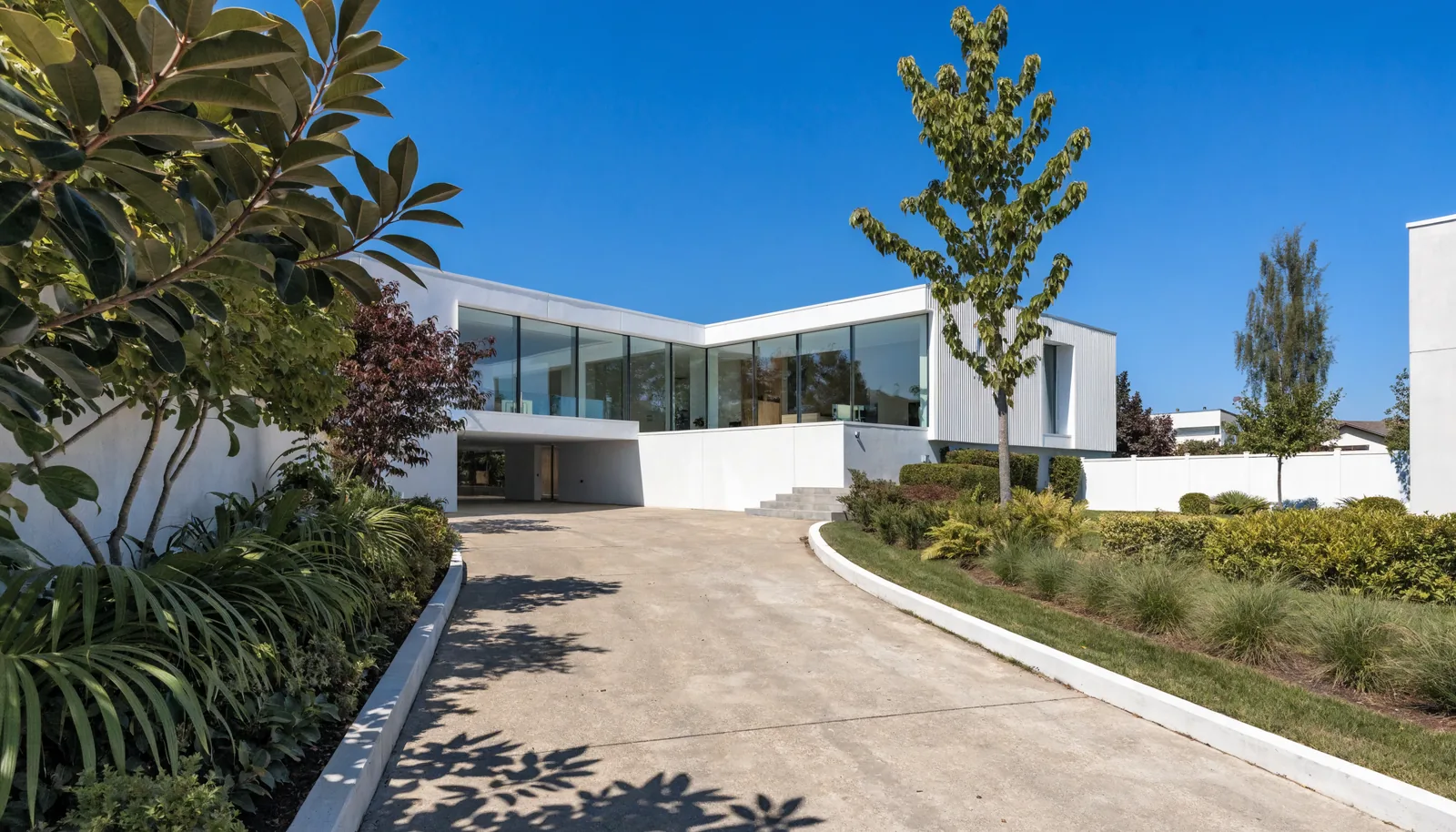
One-tap edits — blue sky, twilight, green lawn, tidy the room, add furniture — plus a custom prompt box with AI assist. Staging is labelled “Virtually staged”; other photo edits carry an AI-alteration disclosure. Your original stays in photo history. Both examples below are real, unretouched output from Rendprop's engine.
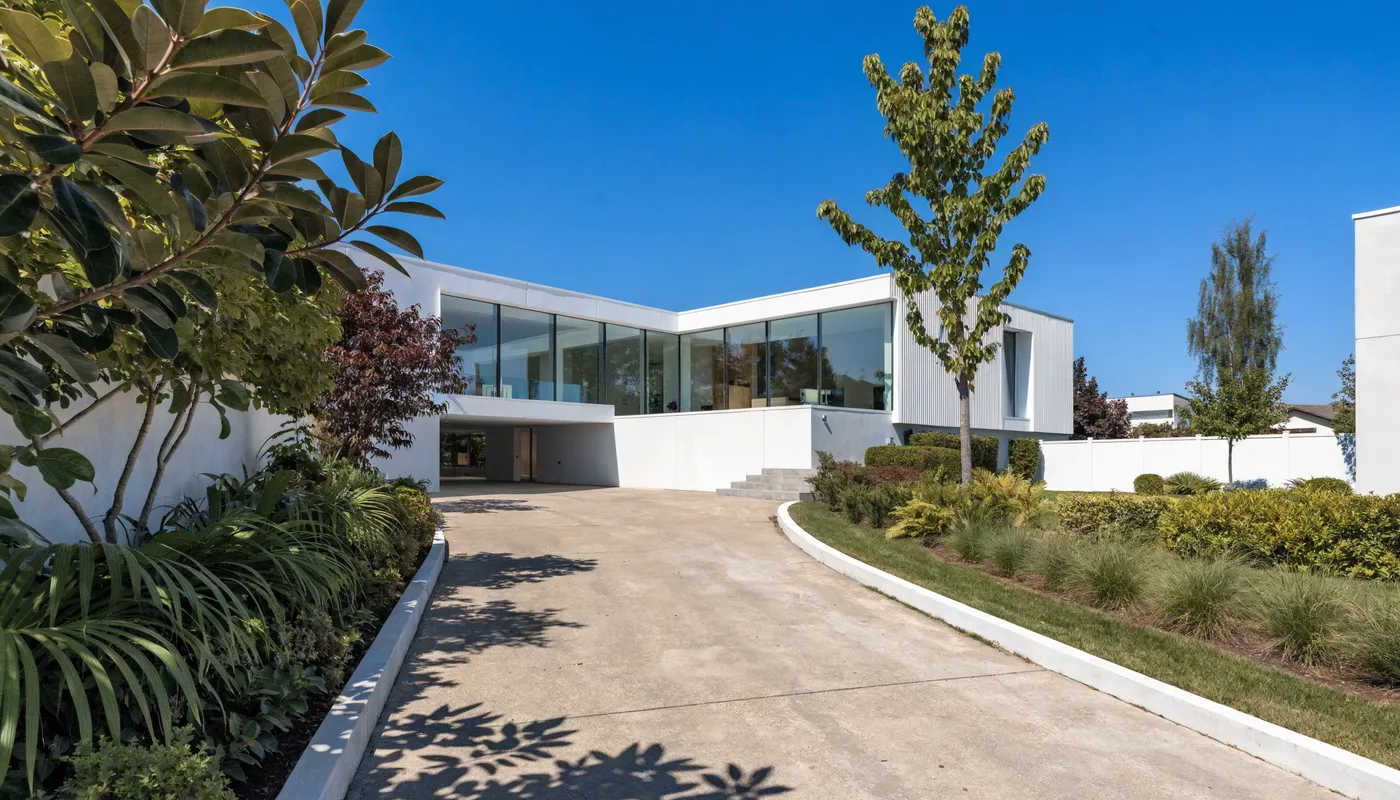 Original
Twilight · 1 tap
One-tap twilight — dusk sky, warm interior glow, same house.
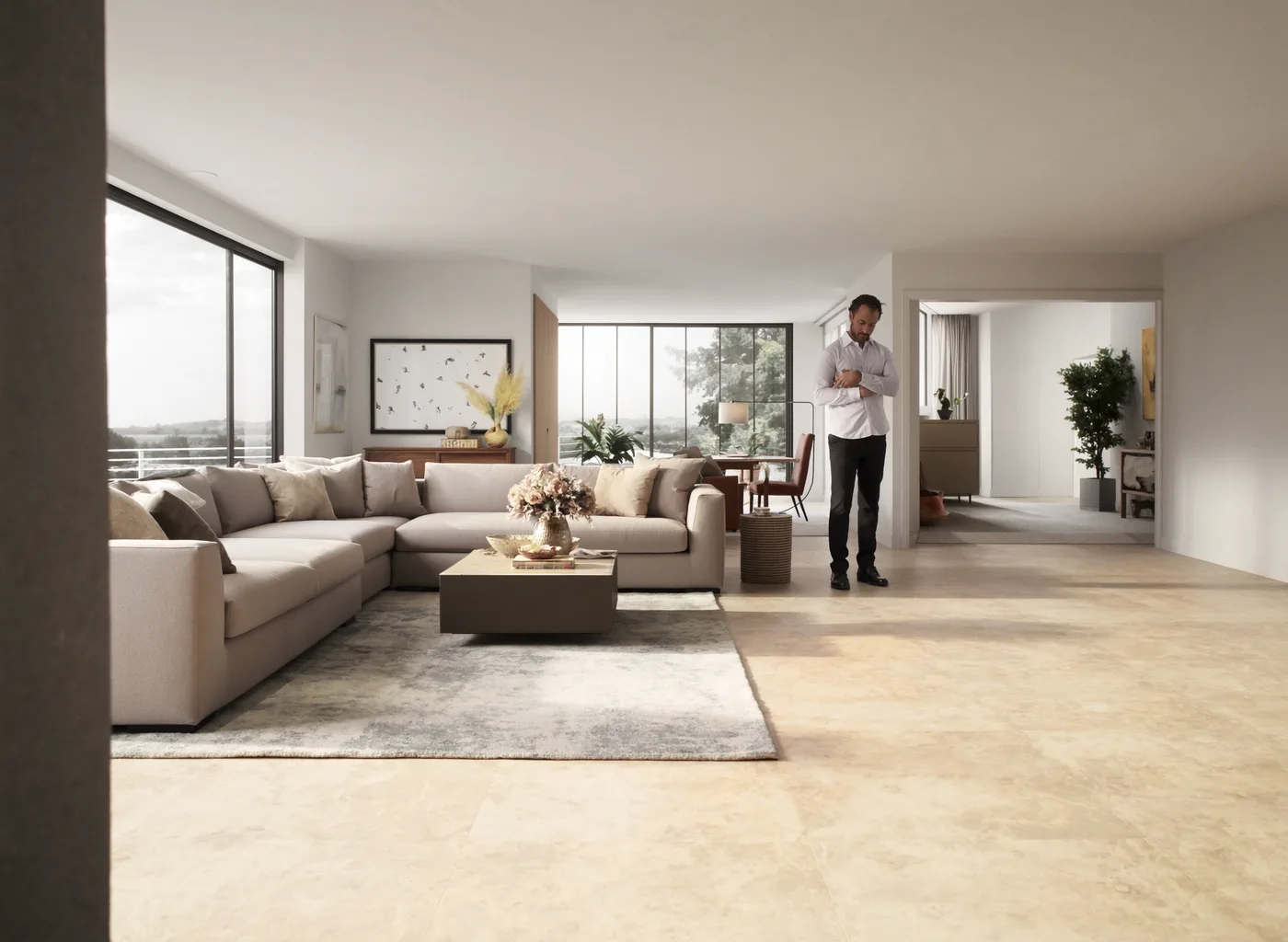 Original
Staged · Modern
Added furniture, modern style — same room, nothing structural changed. Always labelled “Virtually staged”.
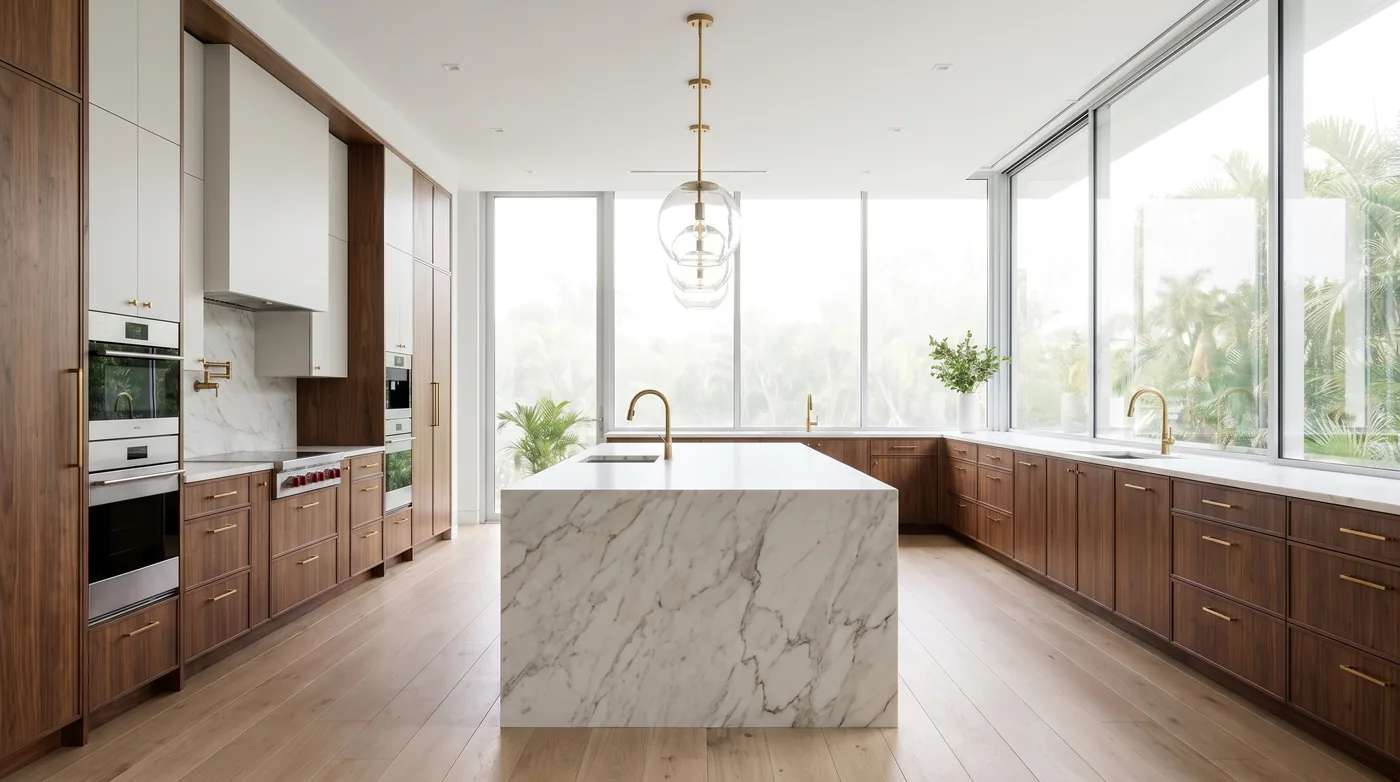
Type one sentence and the app's AI expands it into a precise edit brief you can tweak before it runs. Not sure what a photo needs? Tap Suggest and the app looks at the shot and proposes the edits worth making — with a reason for each.
Photo-based videos
Choose the photos you want to show, including reviewed staged or decluttered versions. Create a landscape video for the listing website or a vertical video for social media. Scene order and camera motion are planned automatically; voice and music are optional. Review the finished video before publishing.
Coming soon
Buyers trust listings with floor plans, so measurement entry, 3D floor plans and 3D walkthroughs are being built into Rendprop. They are still in testing: the app shows them as Coming soon cards on Home and in each listing's toolbox, they don't open yet, and no plan includes them. Everything else on this page works today without them.
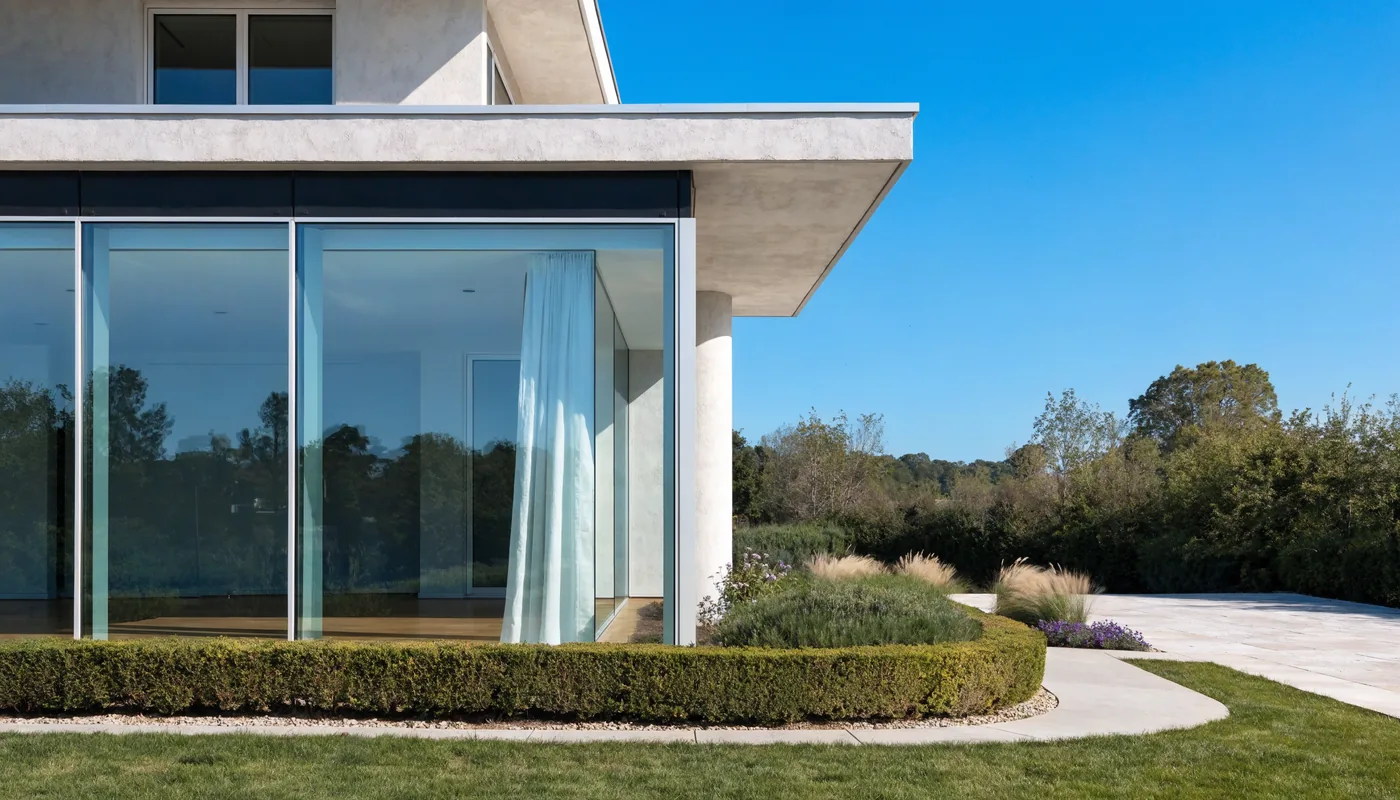
Optional paid AI Aerial opening
Choose a reviewed original front exterior photo to create a scoped AI-generated aerial-style opening for a listing or social video. It is not captured drone footage or a 3D representation. Creation requires eligible paid access and a remaining Aerial allowance, available processing capacity, and separate permission for the processors shown in the app. Results vary; review the clip against your photo before use.
The older free-form Aerial generator remains private and closed. Previously saved or published aerial clips remain accessible with their AI disclosures.
Product mockup — your card, your numbers.
Enquiries
Your branded tour page ends with your card and a contact form. Viewers ask for a viewing right there, and the enquiry lands in your inbox in the app — not auctioned to three other agents.
Not only homes
Choose your mode when you set up — real estate, event venues, restaurants, gyms, retail, or any other business — and Rendprop reshapes itself: the words on screen, the fields you fill in, the call to action on your tour page, the sample tour. A gym tour shouldn't feel like an open house.
Guided capture
Great tours start with decent footage, so Rendprop coaches you while you film: route, pace, framing, and the wide lens the AI engine loves. Your third walkthrough will look like your thirtieth.
Free to download. Rendprop shows current plan features and included usage in the app; Apple shows purchase and offer terms before confirmation.