RENDPROP
01
Add your property photos
Create a listing and add your photos. Review optional AI edits, compare them with your originals, and choose which saved versions to use.
The iPhone app for property photos, videos and websites
Start with your property photos. Polish them, create a landscape listing video or a vertical social video, then publish a website buyers can explore — all from your phone.
Photos first. Video and website next. Recorded walkthroughs are optional. See everything it does →
How the app works
Start with landscape property photos for your listing video. Portrait photos can be used for social video. Recorded walkthroughs are optional and separate.
Create a listing and add your photos. Review optional AI edits, compare them with your originals, and choose which saved versions to use.
Use the selected photos to make a landscape listing video or a vertical social video. Review the result for motion, framing and property details before continuing.
Choose the listing video and photos for your website, check the details and contact card, then publish and share your link. Open a live one →
AI edit example — drag the slider
An illustrative before-and-after twilight edit. AI can alter or invent details, so compare edited photos with your originals before choosing what to publish.
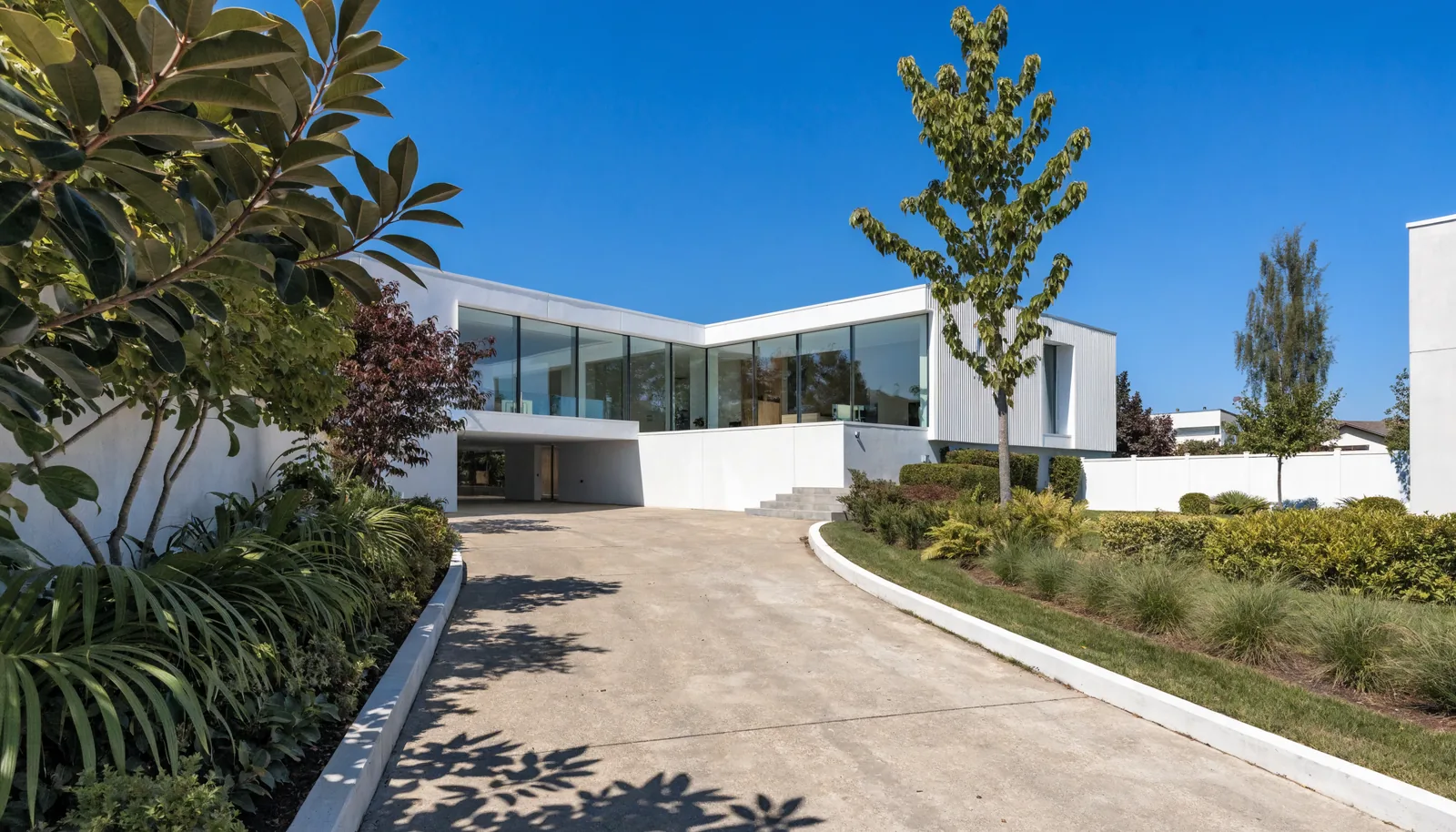
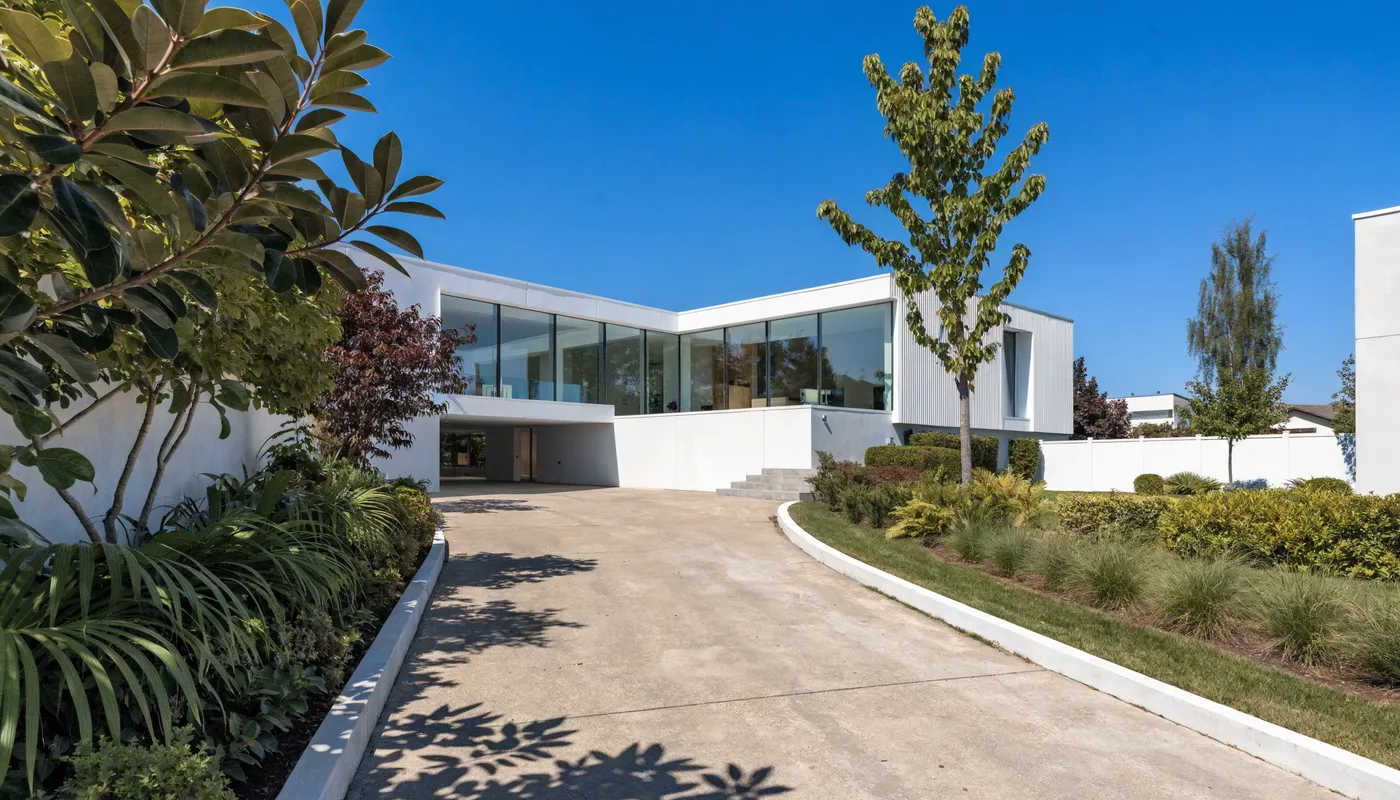 Your photo
Rendprop AI
Illustrative comparison. In the app, staging is labelled “Virtually staged”; other photo edits carry an AI-alteration disclosure. Your untouched original stays in your photo history.
What's in the app
Landscape videos from your selected saved photo versions.
Blue sky, twilight, green lawn, tidy the room, add furniture.
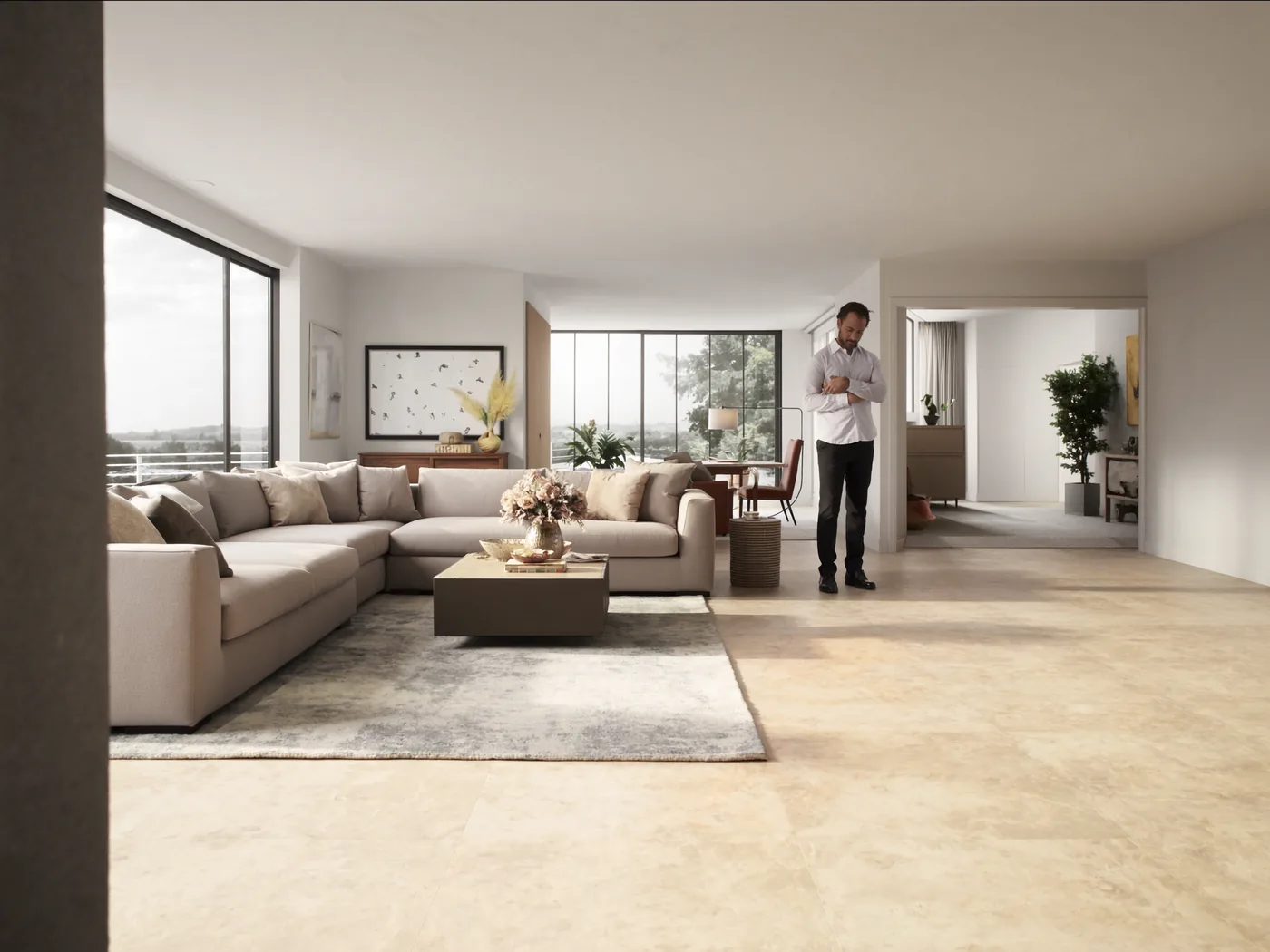
Photos → a vertical video with captions, ready to post.
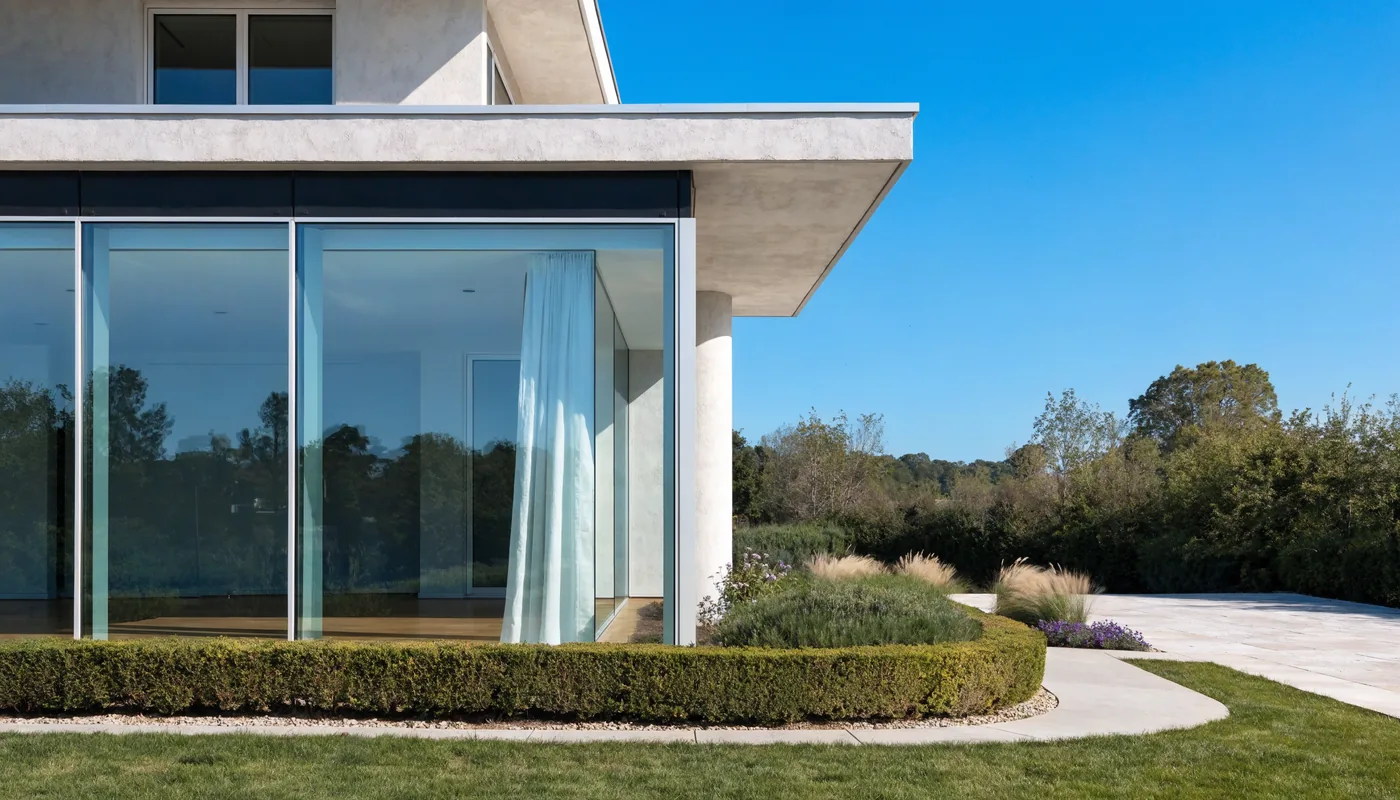
Optional paid opening from your reviewed original front exterior photo. Creation needs an eligible Aerial allowance, available capacity and separate processor permission. Results vary; review before use. The older free-form generator remains closed.
A branded page with your card and contact form — and an unbranded link that's safe for the MLS.
Pick your space — the whole app reshapes around it.
Explore every feature in depth
In more detail: listing video from photos · single property websites · photo editing and virtual staging
The AI engine
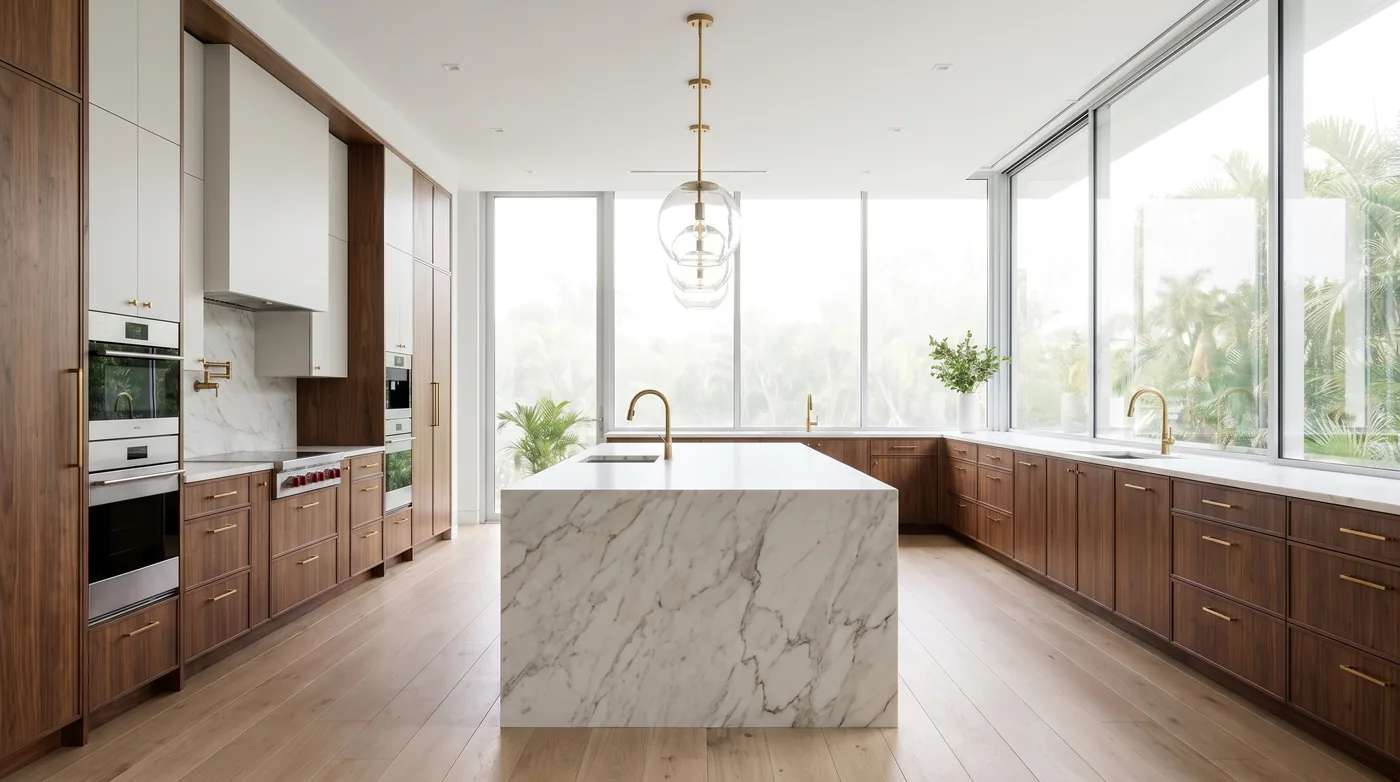
Brighten a room, explore virtual staging or create a photo-based video. Keep your originals and review every edit before it reaches your listing.
Warmer light, clear the driveway, and add modern furniture to the living room.
Rendprop is applying 3 edits — with disclosures for the changes made.
Not only homes
Rendprop isn't a real-estate app with other spaces bolted on. Choose your mode in the app and the fields you fill in, the words on screen, and the sample tour all change with it.

Listing tours that outshine the photos next door.
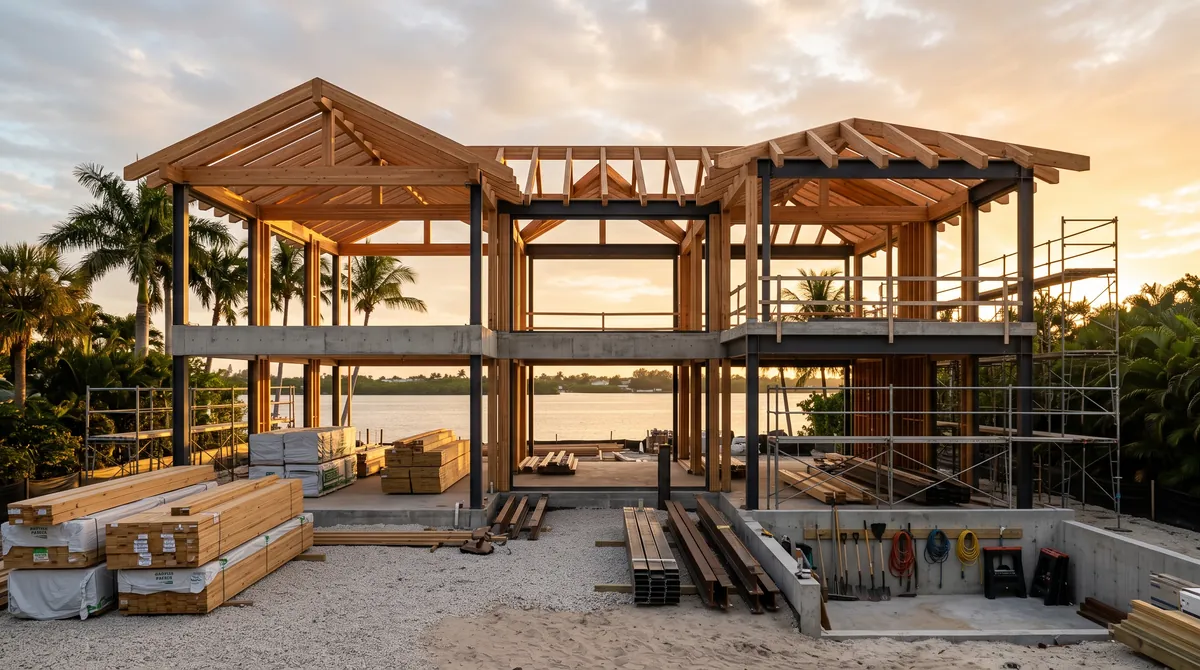
Offices, studios, workshops, build progress — anything you can walk through.

Let them walk the space before they book it.
The room, the light, the bar — before the reservation.
Tour the floor, the studios, the locker rooms — sell the membership.
Put the whole showroom in a link your customers scroll.
Two links, every time
Publish once and you get both: a branded page that ends with your card — your name, your business, your number, one tap to reach you — and a separate unbranded link with no name, no contact details and no Rendprop branding, so it's safe to paste into an MLS virtual-tour field.
rendprop.com/f/your-listing
Product mockup — your card, your numbers.
Not a card. A page.
Other tools give you a video to post. Your Rendprop link opens as a listing page: your selected main photo, the details you typed into the app — price, beds, baths and square feet for a home; hours, menu, capacity or membership for a business — your contact card, and a contact form. Built automatically. Nothing to design.
FAQ
Yes — Rendprop is an iPhone app for property photos, photo-based videos and websites, and it needs iOS 16 or later. Add photos, review optional AI edits, create a video and publish from your phone. Buyers can open the published website in a browser.
No. Start with landscape property photos for a listing video or choose portrait photos for social video. A recorded walkthrough is optional and separate. An optional paid AI Aerial opening starts from a reviewed original front exterior photo; it is generated footage, not a drone recording. Creation requires an eligible Aerial allowance, available processing capacity and separate permission for the listed processors. The older free-form Aerial generator remains closed.
You can record and prepare content locally before signing in. Publishing needs an internet connection, a connected workspace and an available allowance. Sign in with Apple enables account recovery, phone/Studio continuity and teams. Current subscription requirements and any introductory offer are shown in the app before confirmation.
AI can change or invent property details, including in an Aerial opening. Results vary and quality is not guaranteed. Review every AI-edited photo and photo-based video against your original photos before publishing. AI-generated or edited media carries disclosures, and available original photos are linked for comparison.
Yes. Every tour you publish gives you two links: a branded page with your card and contact form, and a separate unbranded link with no name, no contact details and no Rendprop branding — the one that's safe to paste into an MLS virtual-tour field. Check your own MLS rules before you post.
Rendprop combines property photo editing, landscape listing videos, vertical social videos and a hosted property website with your gallery, selected video and contact form. Recorded walkthroughs are optional. Review AI-generated or edited media against your original photos before publication. See the full comparison.
Yes. A published property website opens with your photos and property details. Its video player uses the listing video you selected for the website; recorded walkthroughs remain optional. The page can include the details you entered, a contact card and an enquiry form. Open the live demo to see a sample gallery, story and features list.
Rendprop is free to download. Monthly plans in the U.S. are Pro $29.99, Max $49, Ultra $99.99 and Team $249.99 with three seats, and eligible new subscribers can start with a 7-day free trial. The app shows current plan features and your available usage. Apple shows the price, billing period, and any introductory offer eligibility, duration, renewal price, and terms before confirmation. See plans and the free trial.
You do. Rendprop never uses your content for its own marketing or AI training without your written permission. Optional Kie photo-to-video processing asks for separate permission before selected photos are sent. You can request account deletion in the app; provider-held copies and shared-workspace records have separate retention limits. Details in our privacy policy.
Free to download. Rendprop shows current plan features and included usage in the app; Apple shows purchase and offer terms before confirmation.